


30-Second Summary: Wrong sizing is the #1 reason off-grid power projects fail — oversizing wastes capital, undersizing causes blackouts. This walkthrough shows you exactly how to size a solar-diesel-storage microgrid for a 60-person mining camp using the free PORTA Microgrid Configurator, from load list to complete BOM proposal in about 5 minutes.
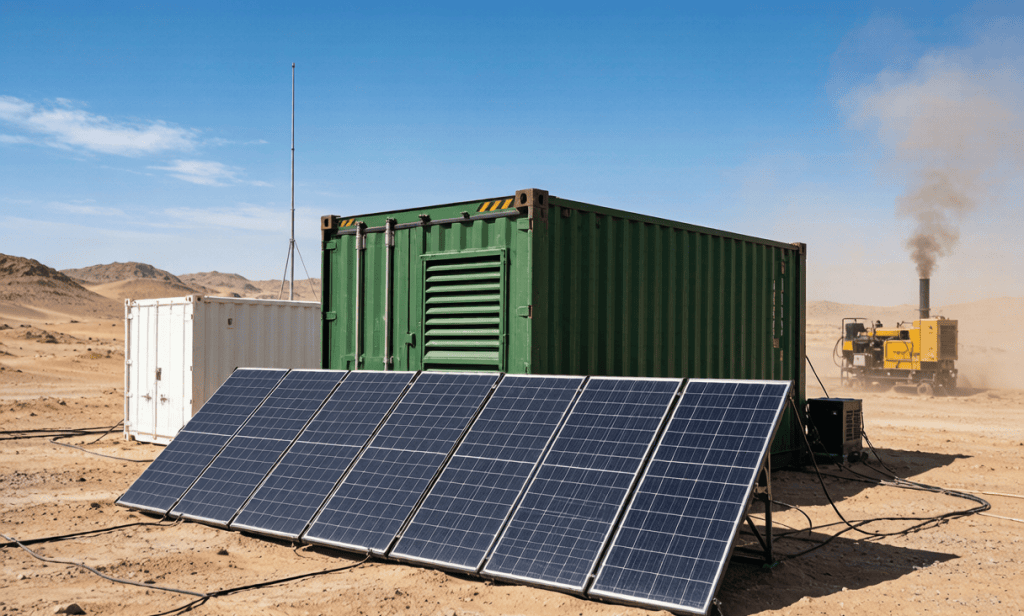
Every mining camp, construction site, and remote industrial facility starts the same way: someone estimates the load, buys a diesel generator “to be safe,” and ends up with either a 250 kVA genset loafing at 15% load (burning fuel, wet-stacking, dying early) or a generator that trips the moment the crusher starts.
The math is not hard — it is tedious. You need a load inventory, a 24-hour demand profile, motor starting currents, solar irradiance by month, battery autonomy hours, and diesel runtime targets. Spreadsheets sprawl, assumptions go stale, and by the time you get a quote from an EPC, the site manager has already ordered a bigger generator “to be sure.”
That guesswork is expensive. Oversizing a diesel plant by 40% can add $60,000–$120,000 in capex and thousands of dollars per month in fuel and maintenance. Undersizing a hybrid system can mean blackouts at the worst possible moment.
The fix is a structured, repeatable sizing process. This walkthrough shows you exactly how to run one — for free, in minutes — using the PORTA Microgrid Configurator.
Let’s size a realistic example: a 60-person mining exploration camp in Central Saudi Arabia, roughly 400 km from the nearest grid connection. The site runs 24/7 during a 6-month drilling season.
| Load Category | Equipment | Qty | Unit Power (kW) | Daily Run Hours | Est. kWh/day |
|---|---|---|---|---|---|
| Lighting (camp + perimeter) | LED floodlights | 30 | 0.15 | 12 | 54 |
| Living quarters | AC units (1.5 TR) | 20 | 1.8 | 10 | 360 |
| Kitchen & mess hall | Cooking, refrigeration | 1 | 12 | 8 | 96 |
| Water supply | Borehole pump (7.5 kW) | 2 | 7.5 | 6 | 90 |
| Workshop | Compressor, welding | 1 | 15 | 3 | 45 |
| Drilling rig support | Mud pumps, top drive aux | 1 | 45 | 8 | 360 |
| Communication & control | Radios, CCTV, servers | 1 | 5 | 24 | 120 |
| Total | ~118 peak | ~1,125 kWh/day |
Peak demand is about 118 kW (with motor inrush, much higher for a few seconds), and daily energy is roughly 1,125 kWh. That is the sizing input — everything else is engineering.
If your numbers look different, that is fine. The configurator adapts to your inputs; this example just shows the flow.
The configurator offers three input modes, matched to how much data you already have:
| Mode | What You Enter | Best When | Time |
|---|---|---|---|
| Quick Estimate | Peak power, daily energy, backup hours | You have rough numbers only | ~60 seconds |
| Scenario Builder | Loads grouped by category (motors, lighting, AC, pumps) | You know the site's load mix | ~3 minutes |
| Detailed Load List | Full equipment inventory (Excel/CSV upload or manual) | You have the complete load list | ~5 minutes |
All three produce the same output quality; they differ in how much of the thinking you delegate to the tool. Start quick, refine with detail — the tool keeps your inputs as you go.
Open the configurator and choose Quick Estimate. Enter:
Within a minute the configurator returns a first-pass system: a solar array that covers the daytime base load, a battery bank sized for night and clouds, and a diesel generator sized for the peaks the other two can’t handle. It also shows the worst-month solar yield — in Saudi Arabia, December output is meaningfully lower than July, and sizing to the worst month is what keeps the lights on in winter.
For a more accurate model, switch to Scenario Builder and describe the load mix instead of lump sums:
The tool then builds a realistic 24-hour demand curve rather than assuming flat consumption. That matters: a camp that runs its AC hard at night needs more battery; a camp that drills during daylight needs more solar; a camp with a big motor start needs a generator or inverter rated for several times the motor’s running power for a few seconds.
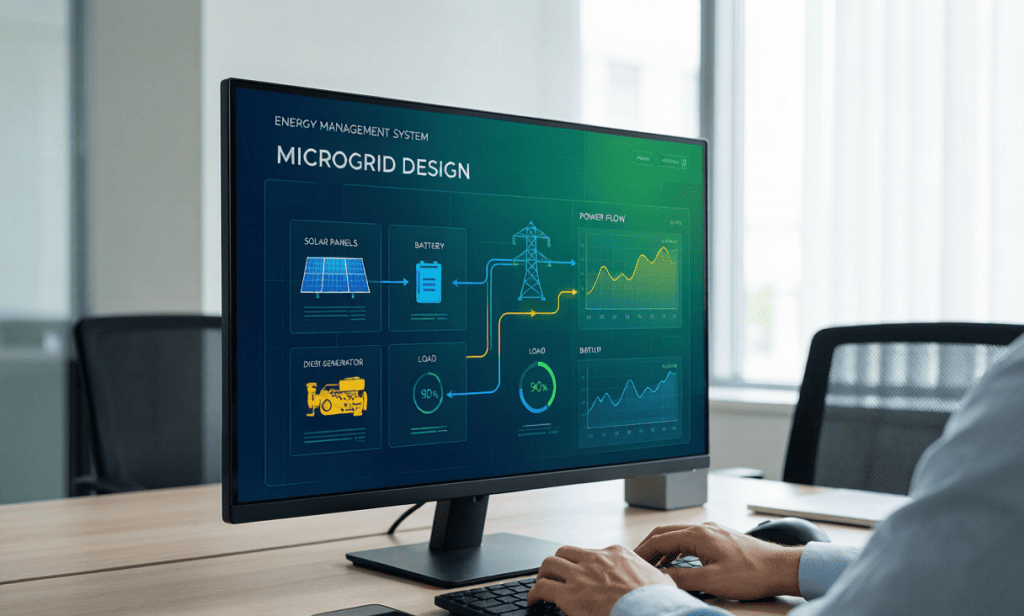
The gold standard: export your equipment list to Excel/CSV and upload it into Detailed Load List mode. For each item you provide name, quantity, unit power (kW or kVA), daily run hours, and phase. The configurator does the rest:
This is the mode to use before you send numbers to an EPC or a vendor — it turns your load list into a defensible basis of design.
With the load defined, the tool decides which system topology fits your site. The decision logic mirrors what an engineer would do:
| Site Condition | Topology | Why |
|---|---|---|
| Grid available + EV charging needed | Solar + Storage + EV Charging | Self-consume solar, buffer with battery, charge EVs fast |
| Grid available | Solar + Storage (Grid-Tied) | Solar priority + battery peak shaving, grid as backup |
| Off-grid, existing genset or >500 kWh/day | Solar + Storage + Diesel Hybrid | Solar primary, battery buffer, diesel backup for clouds |
| Off-grid, small load | Solar + Storage + Diesel Hybrid (scaled) | Same hybrid logic, smaller hardware |
For our mining camp (off-grid, 1,125 kWh/day), the result is Solar + Storage + Diesel Hybrid — exactly the architecture PORTA builds. The generator becomes backup insurance instead of the primary plant.
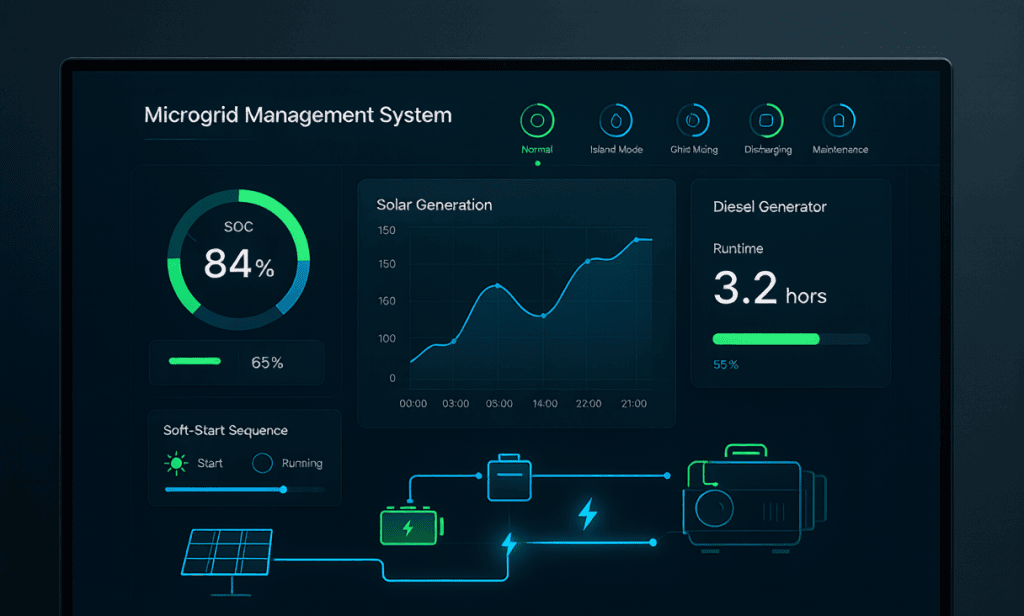
This is where the configurator pays for itself. It runs a 24-hour energy flow simulation of your proposed system hour by hour:
The tool also compares two operating strategies: a Green-First strategy (maximize solar share, minimize diesel hours — best for fuel savings and emissions) and an Economic strategy (balance fuel savings against battery cycle life and generator wear). For most camps the Green-First strategy cuts diesel consumption by 60–80%, which is where the payback comes from.
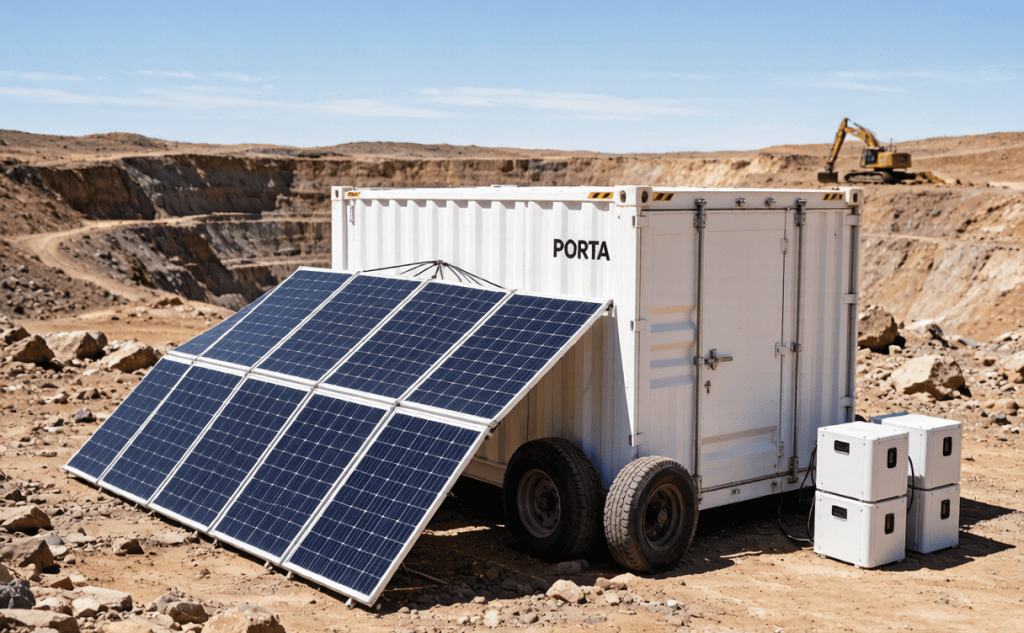
The final output is a bill of materials matched to PORTA’s product line:
Each match shows rated capacity, estimated diesel hours per year, fuel savings vs. a diesel-only baseline, and a cost estimate. You can download the whole thing as a PDF proposal — no signup required — and send it straight to procurement or to the PORTA engineering team for final detailed design.
Even experienced site managers fall into these traps. The configurator’s structured inputs force you to confront them:
The PORTA Microgrid Configurator is free, runs entirely in your browser, and needs no account. Upload your load list, get a defensible system design, and download the PDF proposal — then bring it to PORTA for the detailed engineering, quotation, and delivery.
No signup. No email wall. Enter your load, get a system design and PDF proposal instantly.
Launch the Free ConfiguratorIt is accurate enough for budgeting, procurement planning, and vendor comparison — typically within 10–15% of a detailed EPC design. For the final build, PORTA engineers refine the design with site-specific data such as shading, temperature derate, and cable losses.
No. Quick Estimate handles rough numbers, but the more detail you provide, the closer the BOM matches reality — especially for motor-heavy sites.
Yes. No signup, no credit card, no email wall. Your inputs never leave your browser.
Select the grid-available option in the inputs and the topology engine switches to grid-tied solar + storage, with or without EV charging.
Share the PDF with the PORTA team; they take over with detailed design, factory integration, transport to site, and commissioning — usually deployable in hours once on site.
Get a customized technical proposal and pricing for our mobile energy solutions.
Tell us about your requirements and we’ll build a solution.
Ask me anything about solar-storage-diesel hybrid microgrids!